
DIRECT ADMIN just pushed an update that automatically issues SSL, but this means its very hard to manually issue one, so please wait for the DNS propogation to occur before the SSL gets secured
The guide below is no longer valid
INTRODUCTION
Almost every site on the internet, has that little green lock on the top left of the web browser. Your domain needs her own too ! These green locks are made by SSL Certificates, and here at HostKoala, we provide them FREE
Follow these steps to install SSL on your domain(s)
STEP 1 - Log into DirectAdmin ( Guide here )
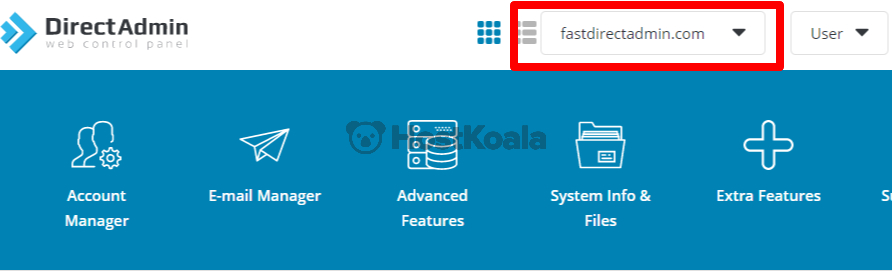
STEP 2 - Choose the domain you wish to install at the top right the DirectAdmin page.
STEP 3 - Search for SSL in the search bar and select SSL Certificates

STEP 4 - Select ”Get automatic certificate from ACME Provider”

STEP 5 - Select which subdomains and main domain you want to install, by ticking the checkbox. If you are unsure what to tick, just tick domain.com and www.domain.com and leave the rest unticked. Then click the Green Save button at the botton right of page

If succesful a green window will pop out saying that the SSL certificate was succesfully installed.
If you get an error message instead, please contact support using this link with the error code so we can help you.